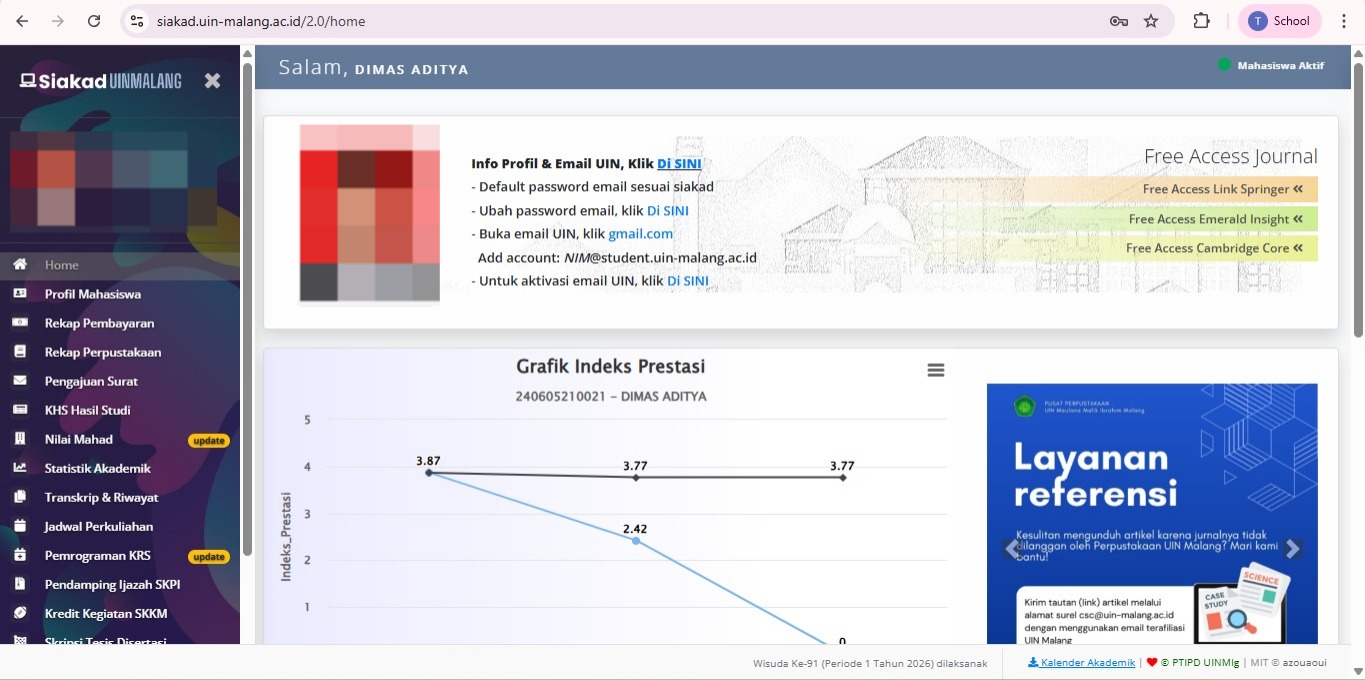
The official email account with the domain @uin-malang.ac.id serves as the primary digital identity in all academic activities.
As part of the UIN Malang academic community, you are entitled to an official email account that is fully supported by Google Workspace for Education. This email is the primary key for all academic communications, from correspondence with lecturers and scholarship applications to registering for national and international competitions.
Guarantee your credibility and professionalism in conducting official correspondence with the dean's office, teaching staff, and external academic institutions.
It is a primary prerequisite for authenticating international journal data and subscription digital repositories managed by university libraries.
Facilitate access to various internal platforms through the system Single Sign-On (SSO), ranging from academic information portals (SIAKAD) to learning management systems.
Leverage extensive cloud storage features and unlimited online collaboration tools to support research effectiveness and collective assignment completion.
Ensure you receive university policy updates and other important academic agenda announcements through legitimate and trusted communication channels.
Provides a structured and secure storage space to archive your scientific papers, research reports, and academic portfolio during your studies.
Please select the tab according to your Role, to see the steps for creating an Institutional Email account.

Please open SIAKAD on Chrome/Edge/Mozilla browser.
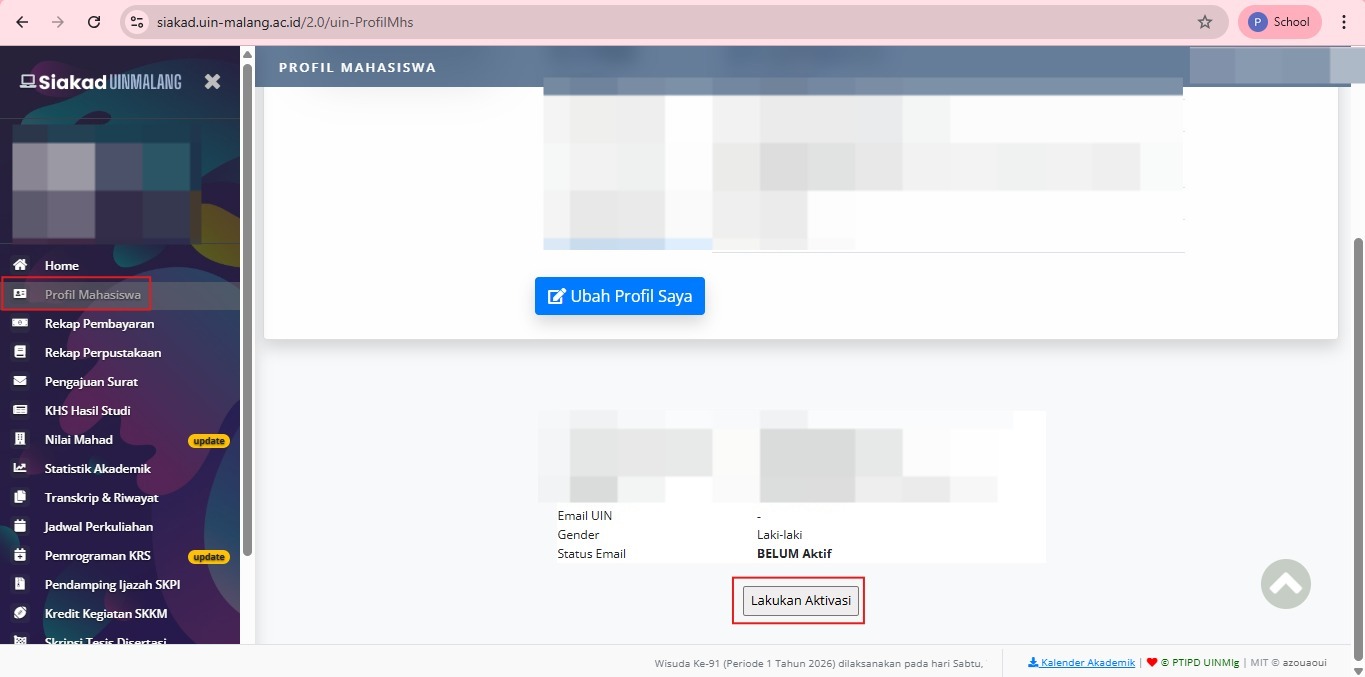
Click the “Student Profile” menu, then click “Activate”
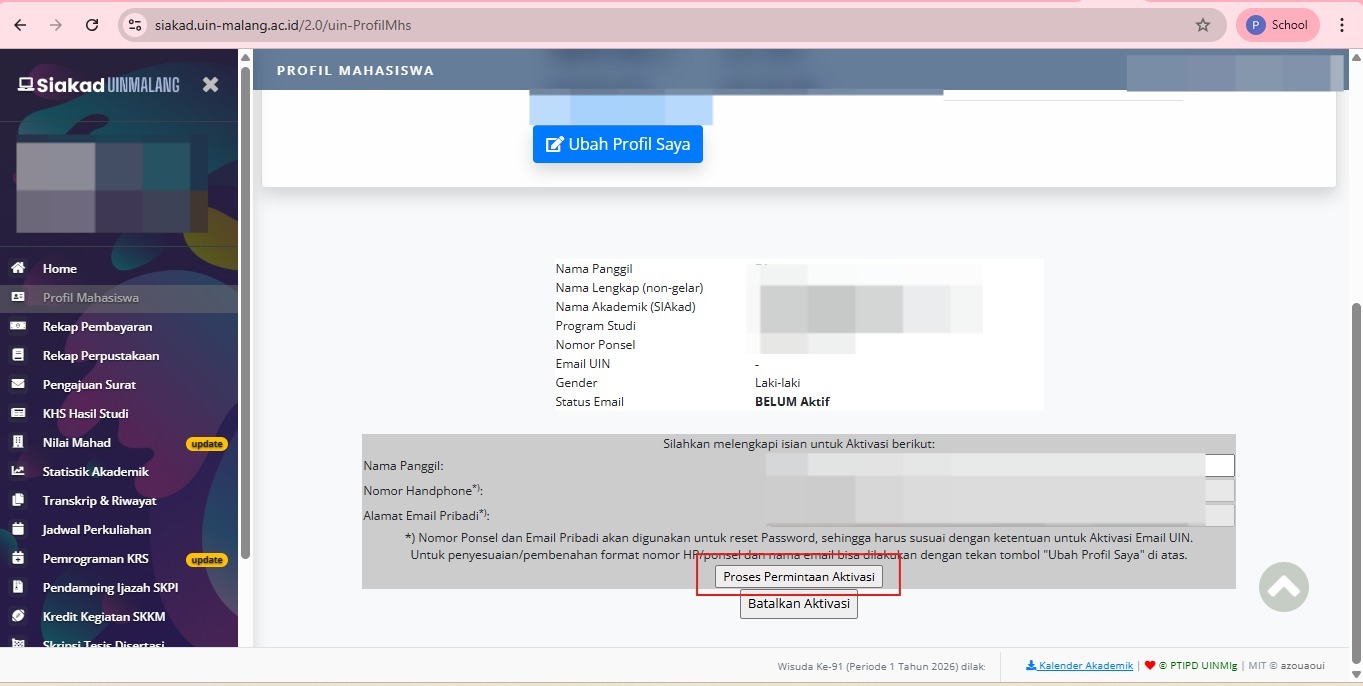
Enter your name, phone number, and personal email address. Ensure your personal email address is correct and active. Then, click "Process Activation Request.".
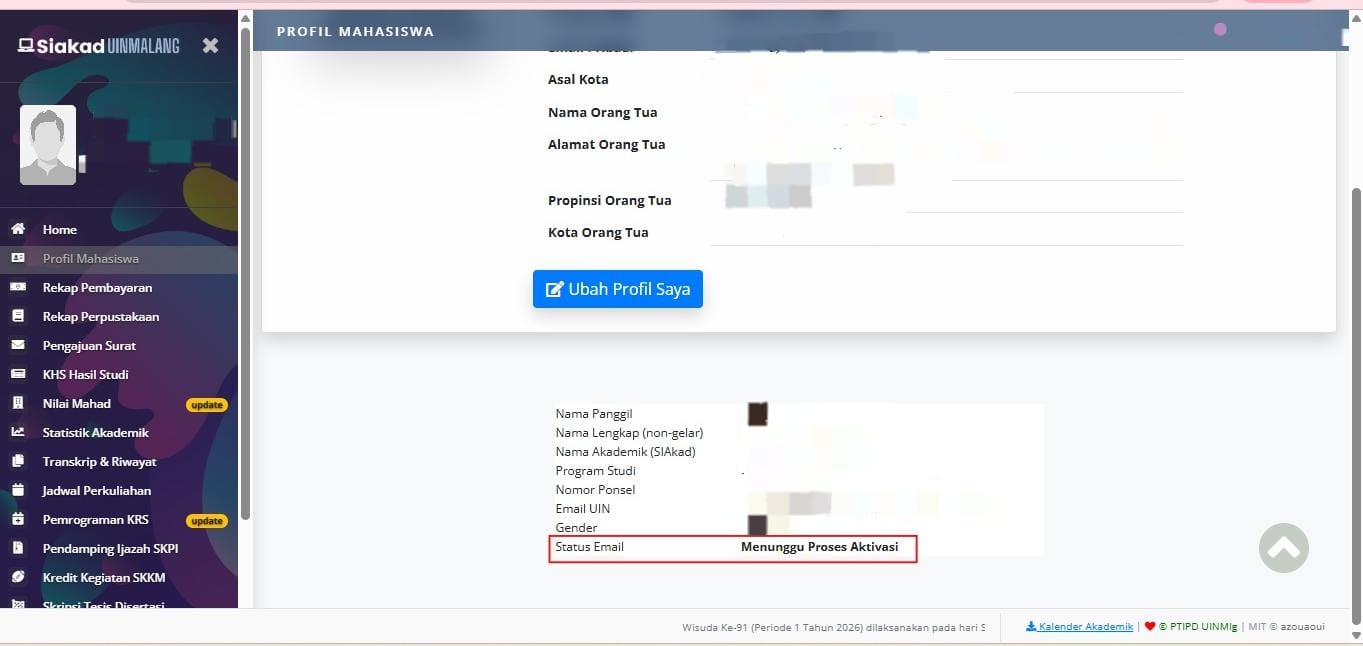
The Email Activation process takes 1 - 24 hours to be used.
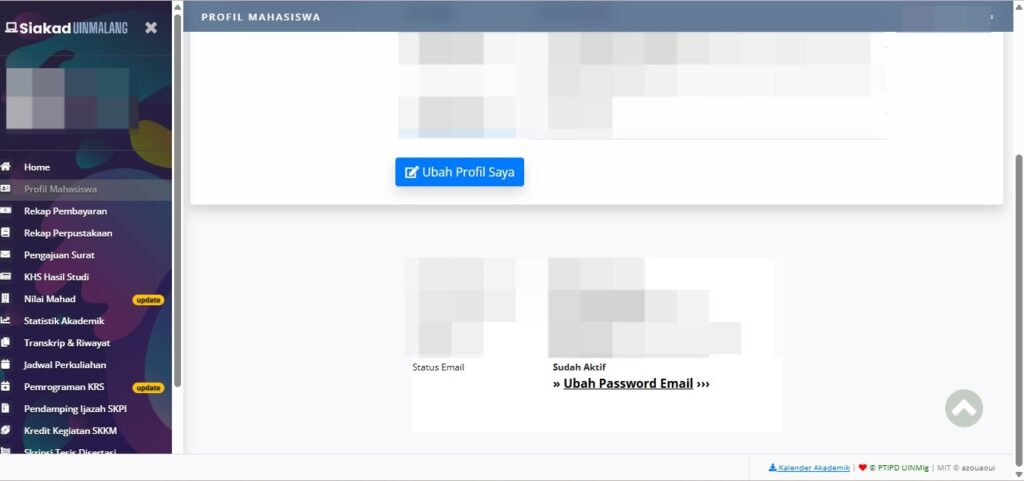
The Email Status will change or be replaced by “Already Active” and the Institutional Email is ready to use.
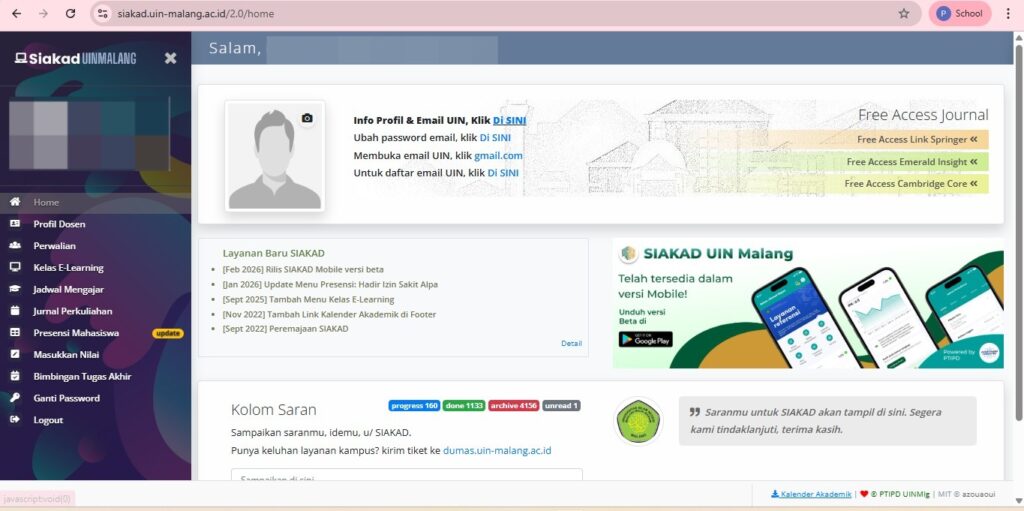
For PNS and BLU lecturers, it is necessary to independently activate the @uin-malang.ac.id email account from Siakad (activation takes several hours to be accessible, a maximum of 1 x 24 hours after activation).

Please open SIAKAD on Chrome/Edge/Mozilla browser.
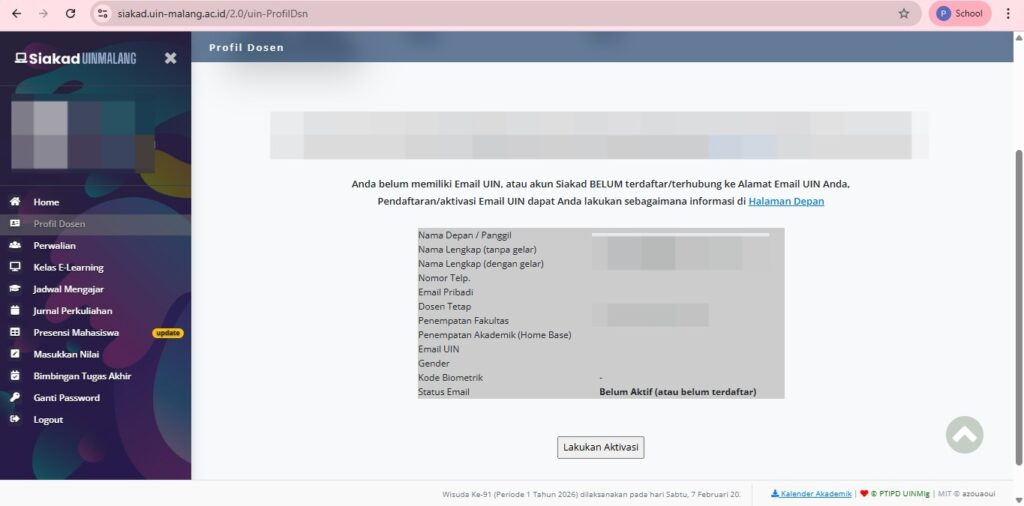
Click the “Lecturer Profile” menu, then click “Activate”.
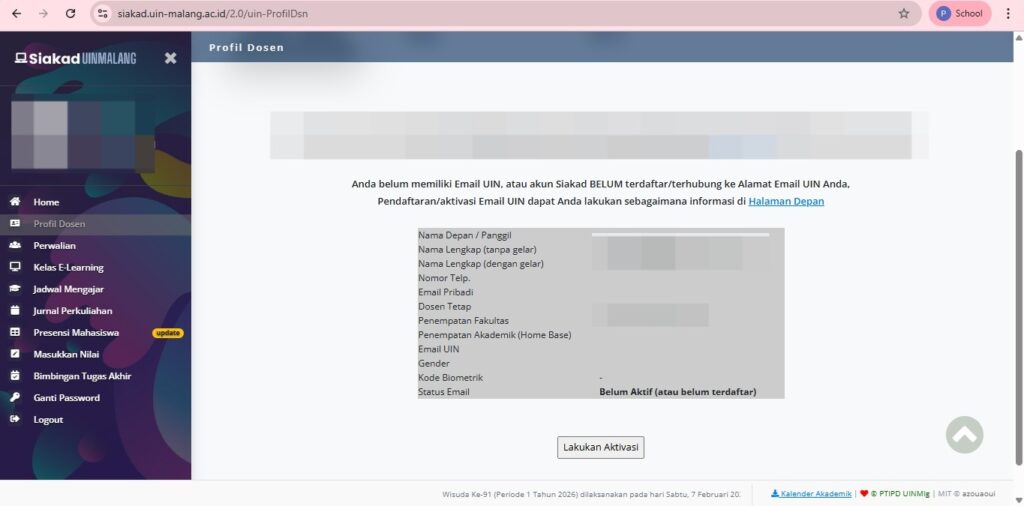
Enter your nickname, full name without title, full name with title, gender, home base, preferred domain, UIN email ID (father/mother's name), personal phone number, and email address. Ensure your personal email address is correct and active. Then, click "Process Activation Request.".
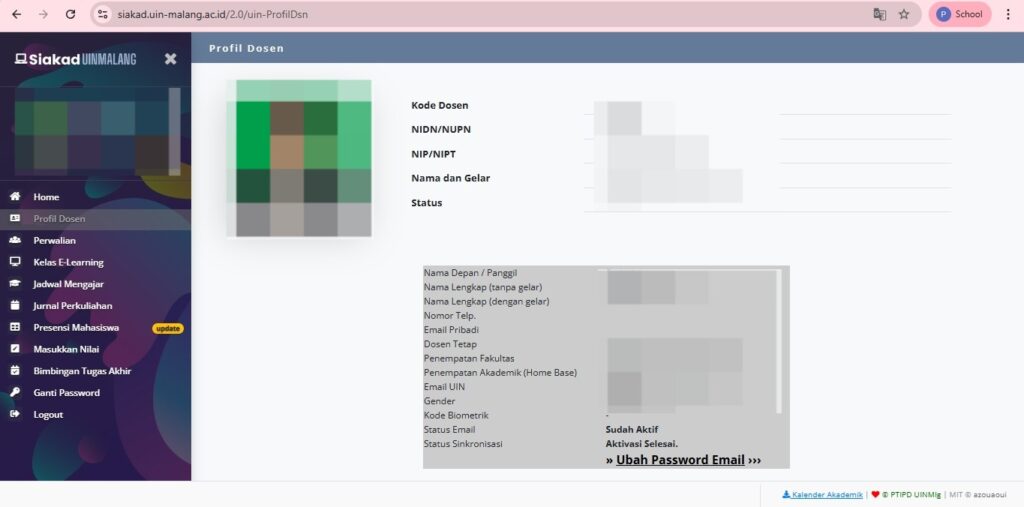
The Email Activation process takes 1 - 24 hours to be used.

The Email Status will change or be replaced by “Already Active” and the Institutional Email is ready to use.
To create an institutional email for LB Lecturers, please access the link below.
Institutional Email Notification “Active” and ready to use will be sent via the Personal Email that has been filled in the link.
To create an institutional email account for a LAB or Organization, please send an Email Creation Letter signed by the Dean/Head of Study Program/Head of Unit, then send it to the email: ptipd@uin-malang.ac.id
After sending the Application Letter, please fill in the following link:
If you experience problems or have further questions, please contact PTIPD at: