 EN
EN  ID
ID  AR
AR  ZH
ZH 
Container Setup Guide
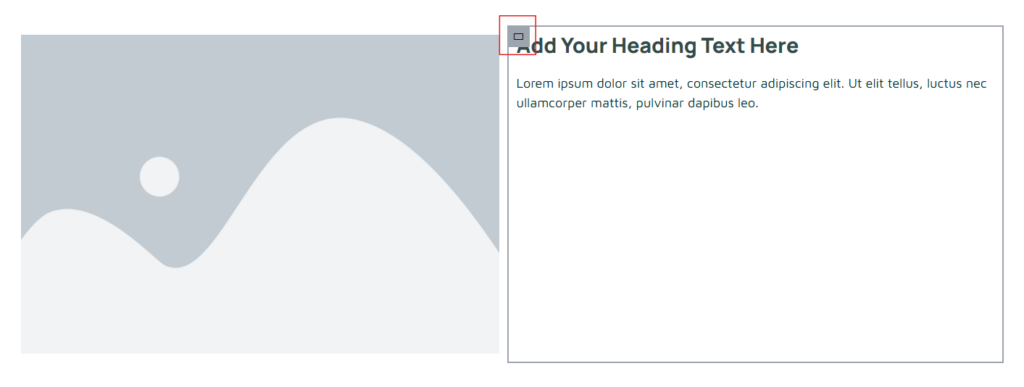
This guide will help you position your container to the center, side, or bottom. Click the container image on the far left (the one with the red box). 2. The display when the container image is clicked. If you want to center your content, click the "center" icon (yellow highlighter in the image) in "Justify Content" […]
2-Sided Content Guidelines
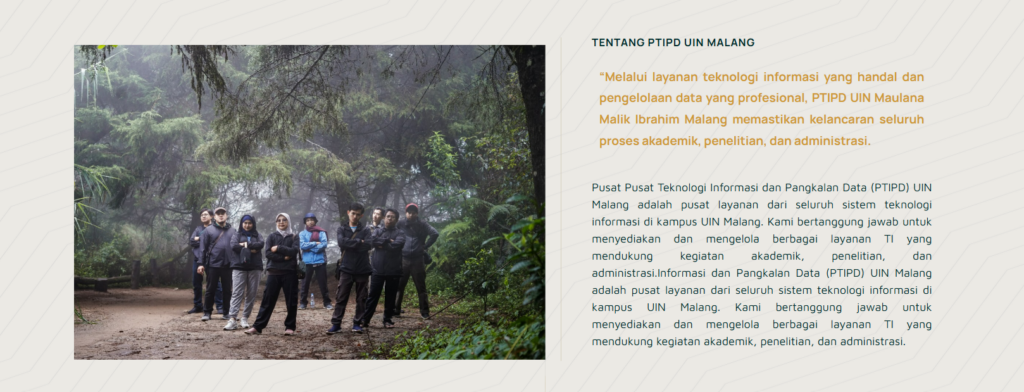
The following guide is for those of you who want to create website content with two sides containing images and text (as shown in the image above). Select "flexbox," which has two containers. 2. Image Display 2 containers. After that, select the elements you need. For example, if you want to insert an image and text, drag the elements into the box […]


