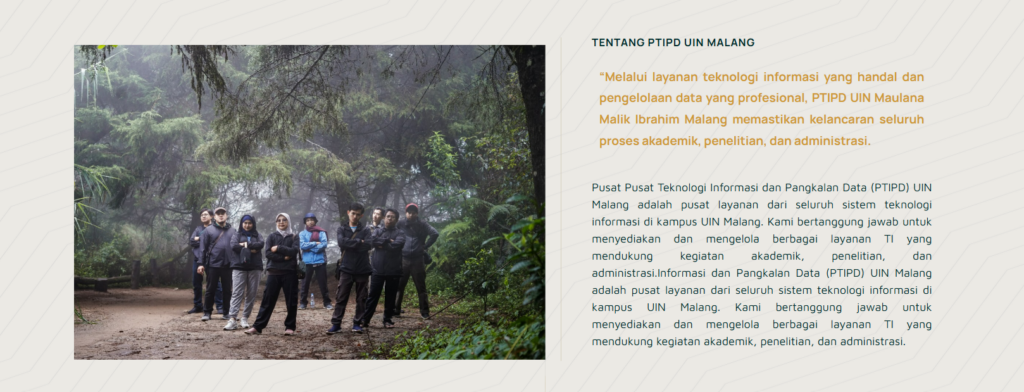
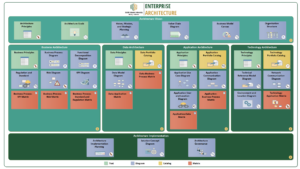
The following guide is for those of you who want to create website content with 2 sides containing images and text (like the image above).
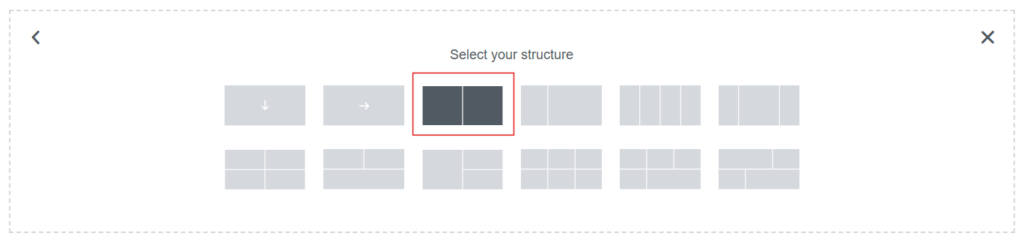
- Select “flexbox” which has 2 containers
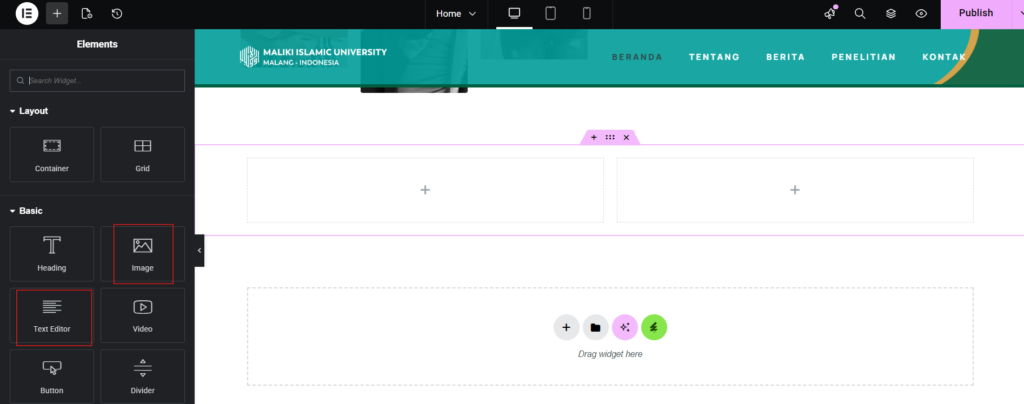
2. Display Image of 2 containers
- After that, select the elements you need.
- For example, if you want to insert an image and text, drag the element into the box with the '+' sign.
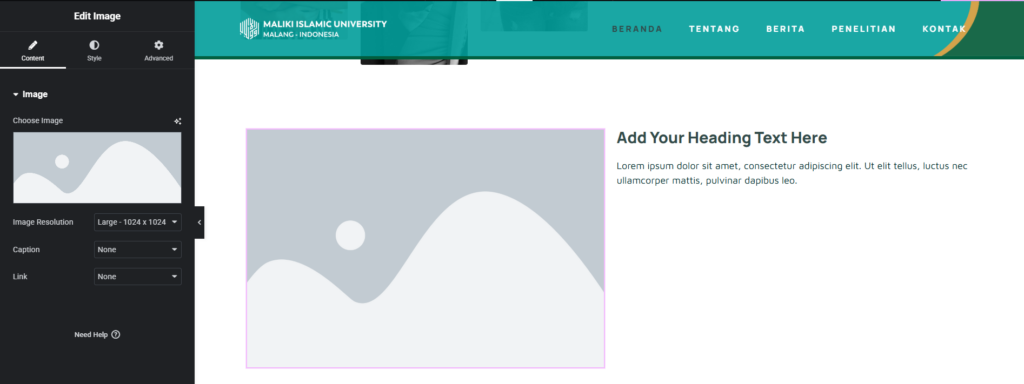
3. Display image of 2 elements that have been dragged
- Fill these elements with content according to your needs.
- Don't forget to click "Publish" to save