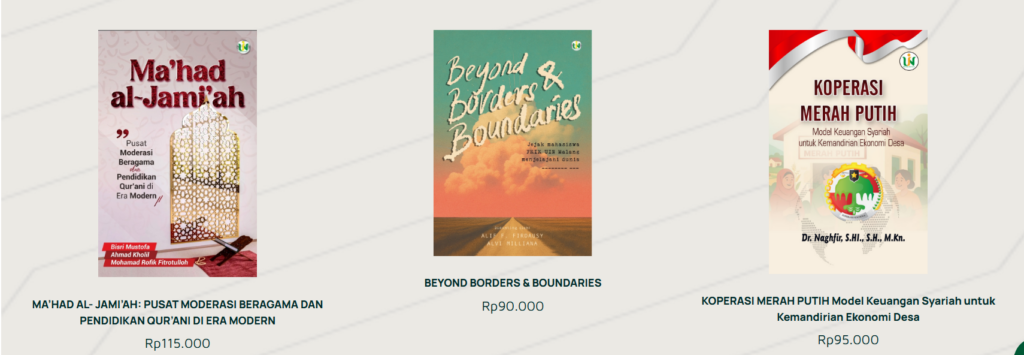
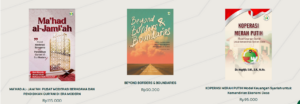
This guide will help you add a new book cover (as shown above). Follow these steps: Go to the "dashboard" page, click "page," then click "add page." 2. Type the title you want to add, for example, "Green Economy, Sharia Green Finance..." then click "edit with Elementor."“
This guide will help you set the position of your container to the center, side, or bottom. Click the container image on the left edge (the one with the red box). 2. The display when the container image is clicked. If you want to center your content, click the "center" image (the yellow highlighter in the image).
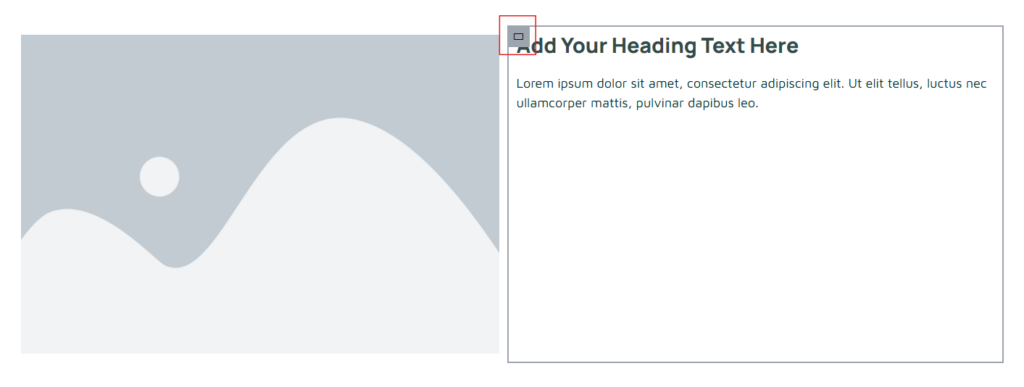
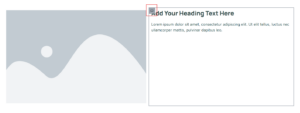
The following guide is for those of you who want to create website content with 2 sides containing images and text (as in the image above). Select "flexbox" which has 2 containers 2. Image Display 2 containers After that, select the elements you need. For example, if you want to insert images and text, then drag the elements
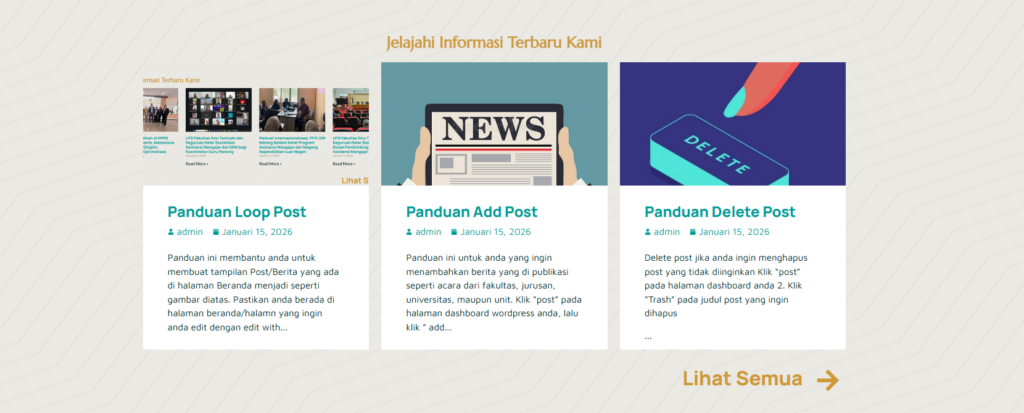
This guide will help you create a post/news display on your homepage similar to the image above. Make sure you're on the homepage or the page you want to edit with Elementor. Then, click the plus sign '+', search for and click "Loop Grid." 3. Edit Loop Grid Display In the "Layout" menu,
This guide is for those of you who want to add published news, such as events from faculties, departments, universities, or units. Click "Post" on your WordPress dashboard, then click "Add Post." 2. On the Add Post page, type the title of the news item you want to add. Type the content directly below the title.
Click “Appearance” then click “Menu” 2. Add menu display Make sure you are editing in “Main Menu” or “Main Menu Duplicate” then click “select” Check the page you want to add to the menu, for example “organizational structure”, then click “add to menu” After that the menu will automatically be added under the news menu (like
Pages are used for permanent content such as Profiles, Vision and Mission, Organizational Structure, and Contacts. To create a new page, click Pages → Add Page. 2. Enter a page title, then click the Edit with Elementor button to start customizing its appearance. 3. Add content. Click the plus sign '+' to add a grid/container as needed.
 EN
EN  ID
ID  AR
AR  ZH
ZH