MIU Login

Institutional Email Activation Guide for employees

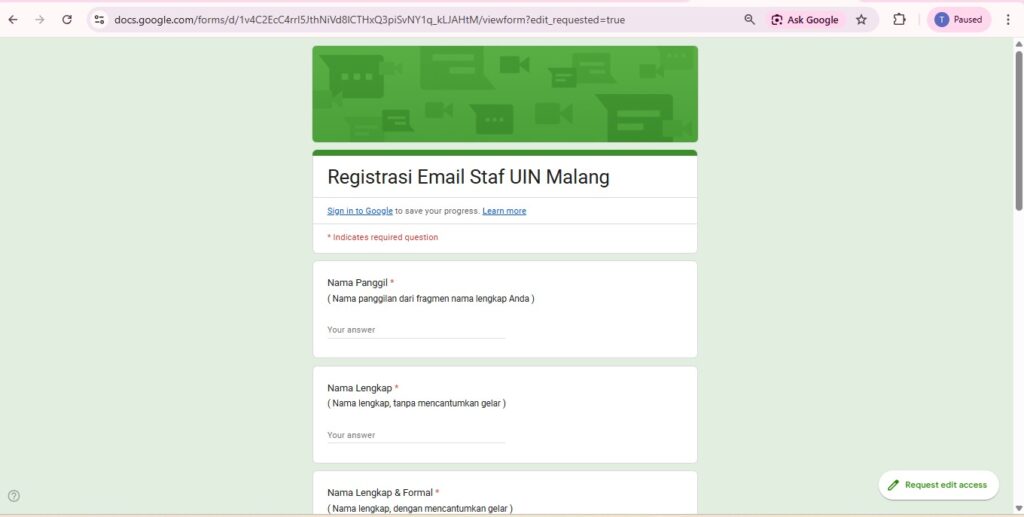
To create or activate an institutional email for employees, please fill in the following link:

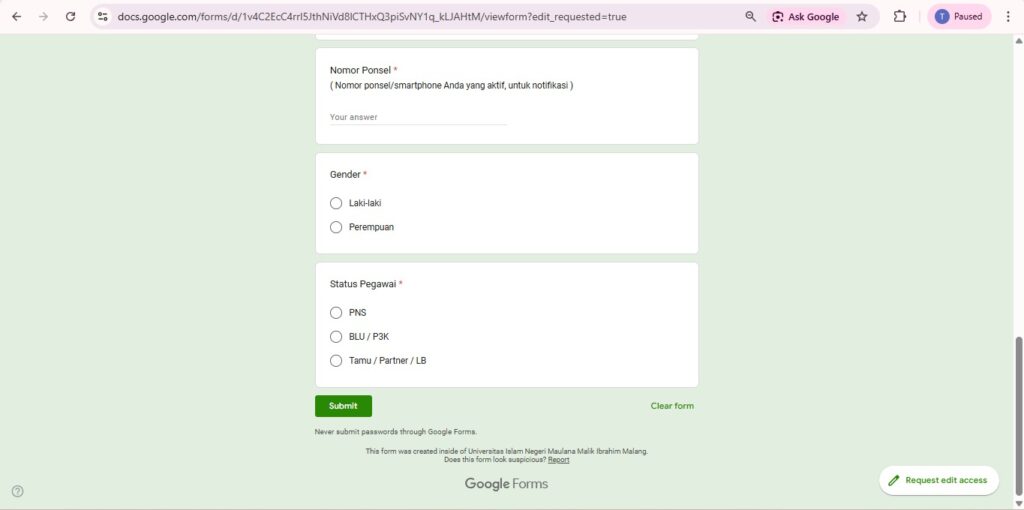
2. Complete the data for Institutional Email Activation.

Please fill in the data in the Google form in detail and completely, then click "Submit".

3. Activation Process.

The Email Activation process takes 1 hour to 24 hours to be used.

4. Active Email Status

Staff will receive a completed activation email via the personal email address previously filled in on the Google form.

Related News