- Pages are used for permanent content such as Profile, Vision, Mission, Organizational Structure, and Contacts.
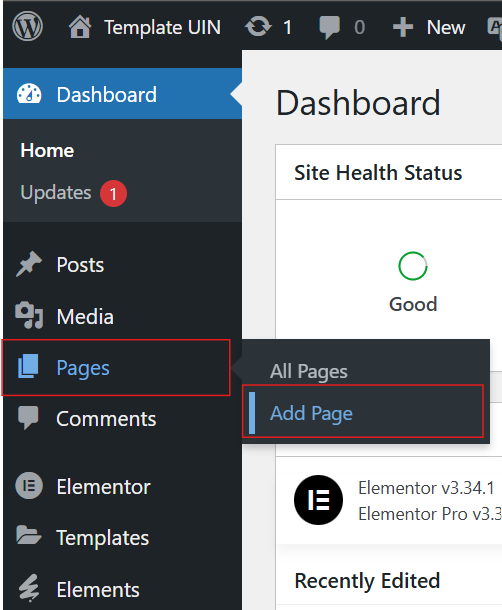
To create a new page, click Pages → Add Page
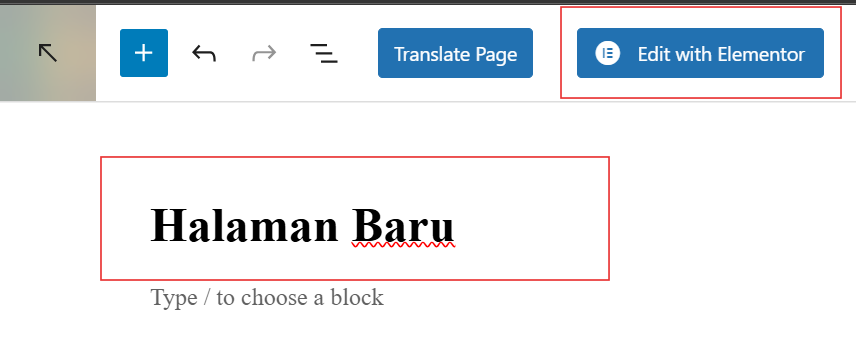
2. Enter a page title, then click the Edit with Elementor button to start customizing its appearance.
3. Add content
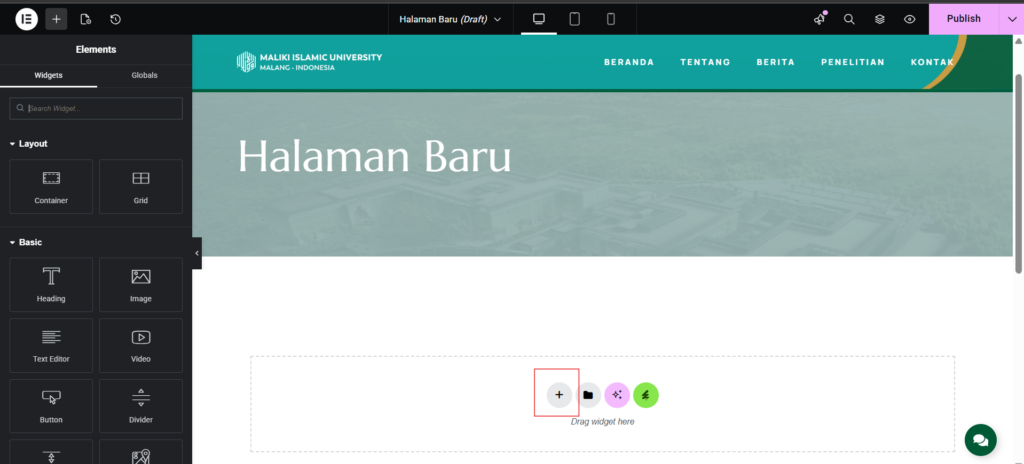
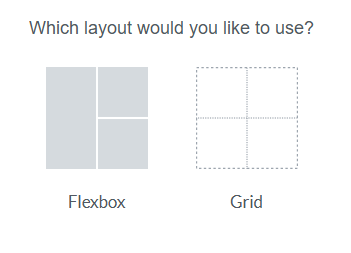
- Click the plus sign '+' to add grids/containers as desired.
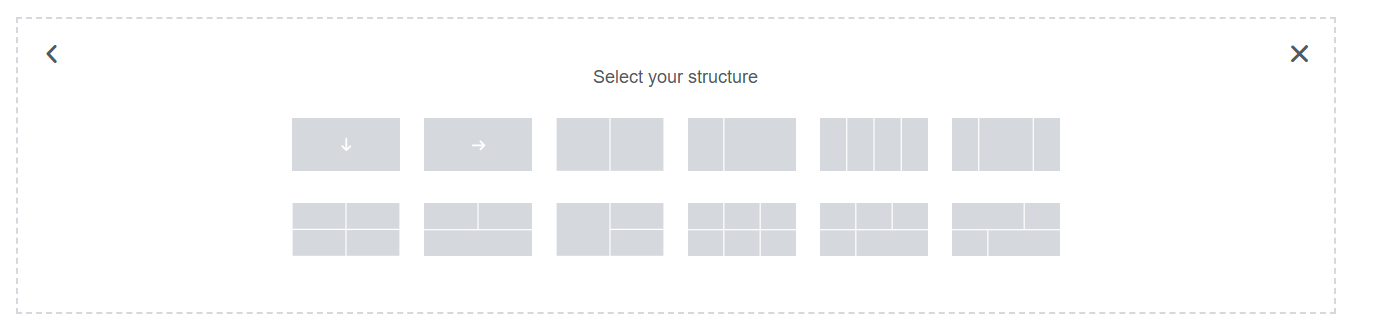
- After that, select how many grids are needed as shown in the third image.
- Then click the '+' sign again to add content in the form of text/images (as needed).
- Don't forget to click "Publish" to save the edited display.