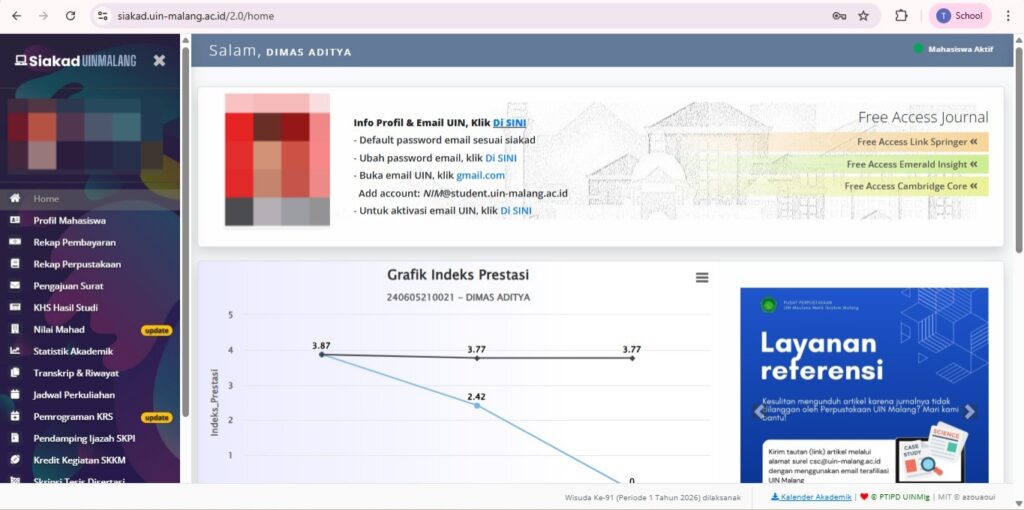
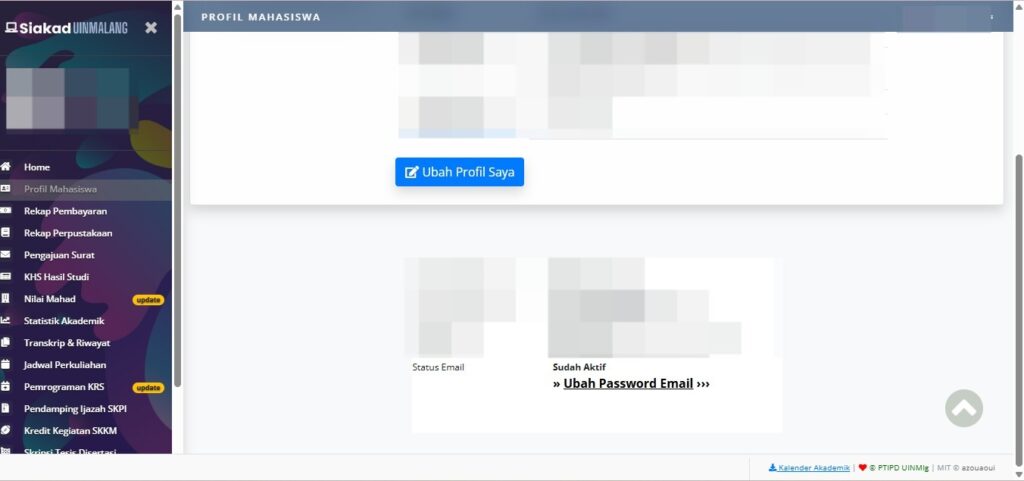
Active students need to independently activate the @student.uin-malang.ac.id email account from Siakad (activation takes several hours to be accessed, a maximum of 1 x 24 hours after activation).
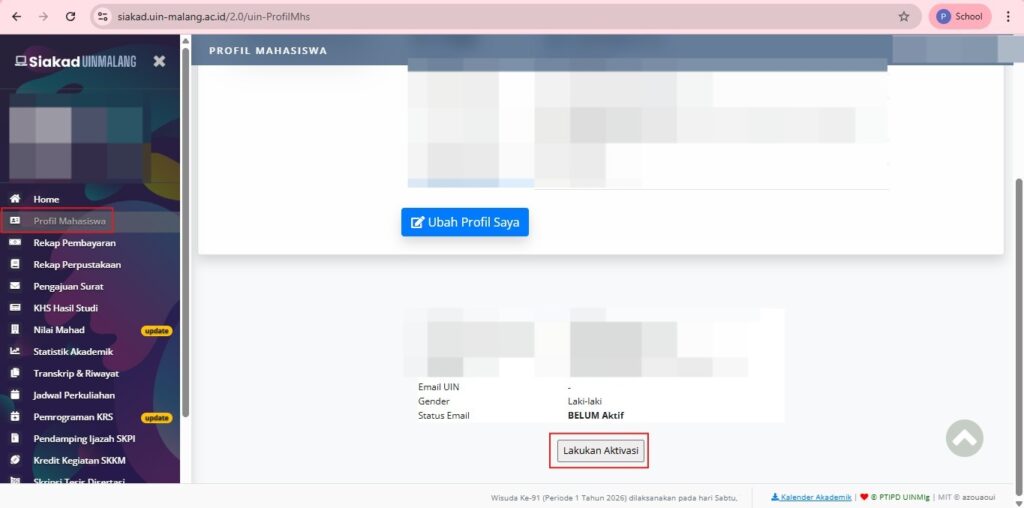
Click the “Student Profile” menu, then click “Email Activation”
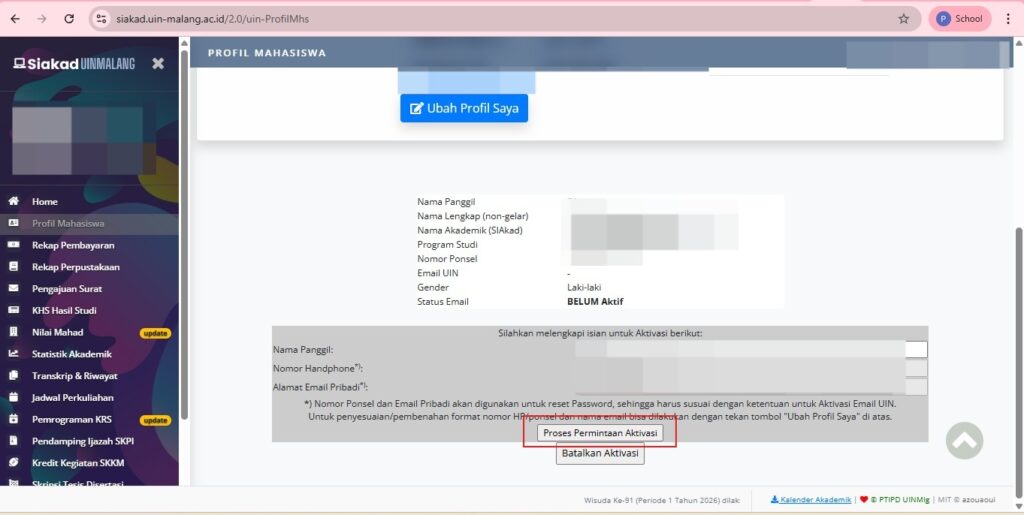
3. Fill in the data and activate the process
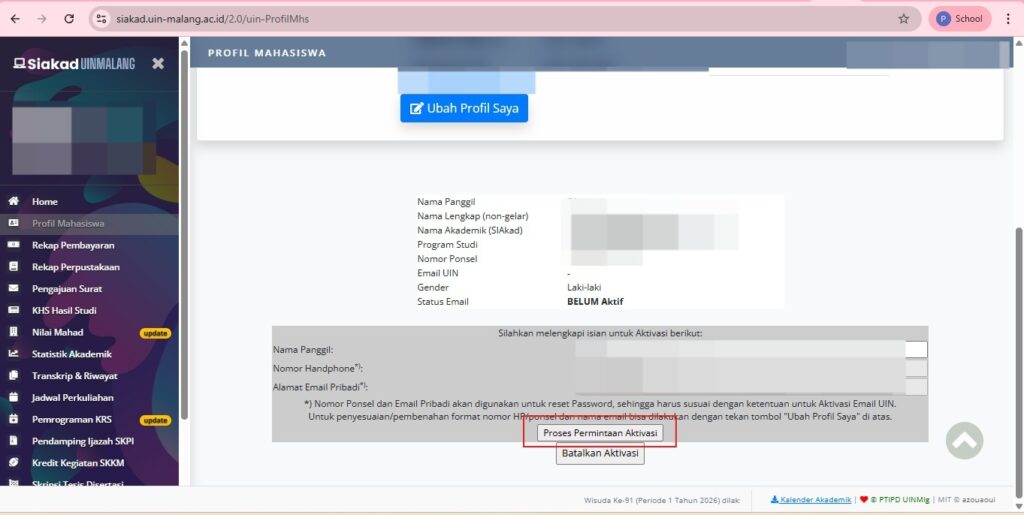
Enter your name, phone number, and personal email address. Ensure your personal email address is correct and active. Then, click "Process Activation Request.".
4. Wait for the Activation Process
The Email Activation process takes 1 hour to 24 hours to be used.
5. Email status changed
The Email Status will change or be replaced by “Already Active” and the Institutional Email is ready to use.
 EN
EN  ID
ID  AR
AR  ZH
ZH