EN
EN  ID
ID  AR
AR  ZH
ZH 
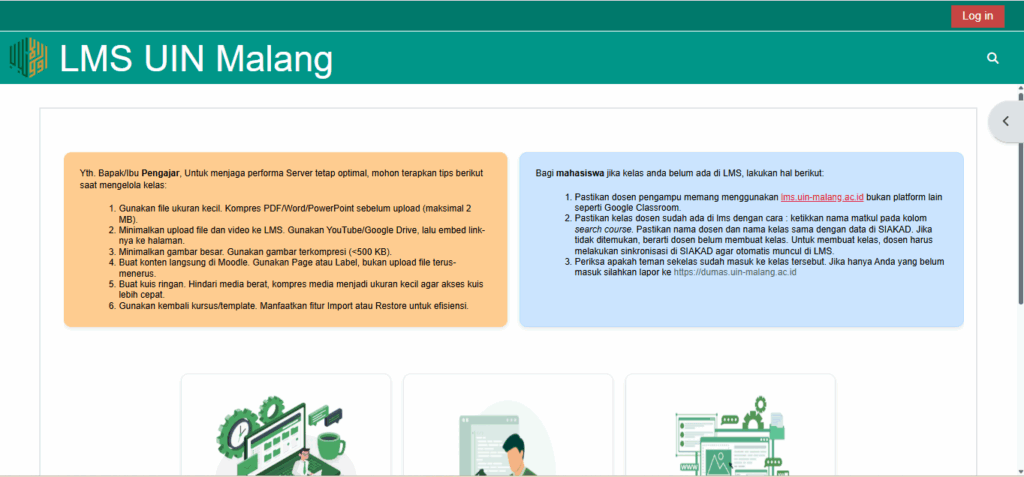
For lecturers who experience incomplete or unjoined students on the LMS (lms.uin-malang.ac.id), here are the steps to perform manual synchronization via SIAKAD so that students can join the class and access lecture materials smoothly:
- Login to the SIAKAD System
Enter the portal SIAKAD UIN Malang using your lecturer's account. - Click the E-Learning Class Menu
Search and select the E-Learning Class menu related to KRS and LMS.
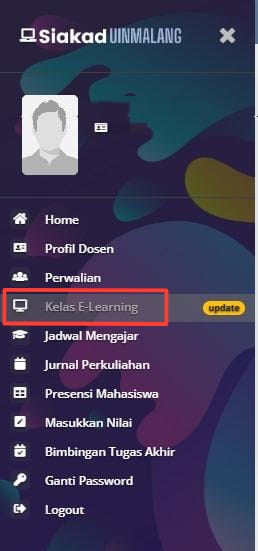
- Select Course
Select a course or class that uses E-Learning with the following information: “Incomplete, Resync!”. - Perform Manual Synchronization
Click the check mark on all courses that have not been synchronized, then click the Synchronize LMS E-Learning button to manually synchronize student data to the LMS.

- Verification in LMS
After synchronization, check on lms.uin-malang.ac.id whether students have joined the class. - Inform Students
Inform students that their LMS access is active.