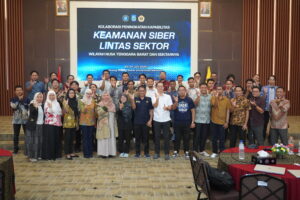
Strengthening Digital Defense, UIN Malang's CSIRT Team Attends the National Cybersecurity Collaboration Forum in Mataram
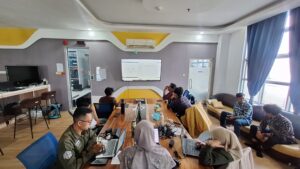
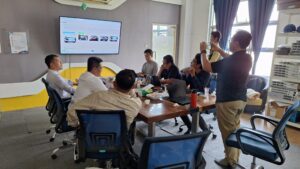
PTIPD and the General Affairs Division of UIN Malang Develop a State-Owned Enterprises (BMN) Management Application
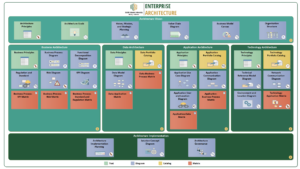
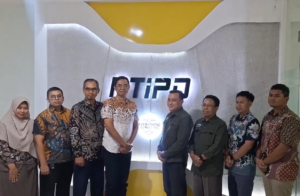
Working Visit of the National Cyber and Crypto Agency (BSSN) to PTIPD UIN Maulana Malik Ibrahim Malang
 EN
EN  ID
ID  AR
AR  ZH
ZH