 EN
EN  ID
ID  AR
AR  ZH
ZH 
Guide to Adding a Book Cover (malikipress)
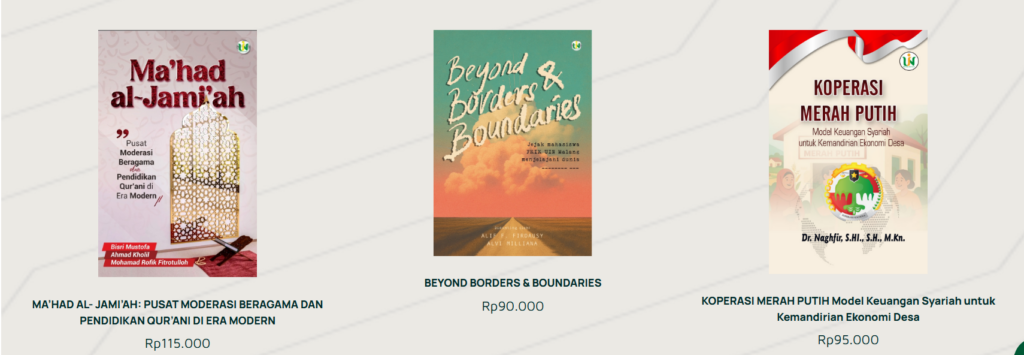
This guide will help you add a new book cover (as shown above). Follow these steps: Go to the "dashboard" page, click "page," then click "add page." 2. Type the title you want to add, for example, "Green Economy, Sharia Green Finance..." then click "edit with Elementor" […]
Container Setup Guide

This guide will help you position your container to the center, side, or bottom. Click the container image on the far left (the one with the red box). 2. The display when the container image is clicked. If you want to center your content, click the "center" icon (yellow highlighter in the image) in "Justify Content" […]
2-Sided Content Guidelines
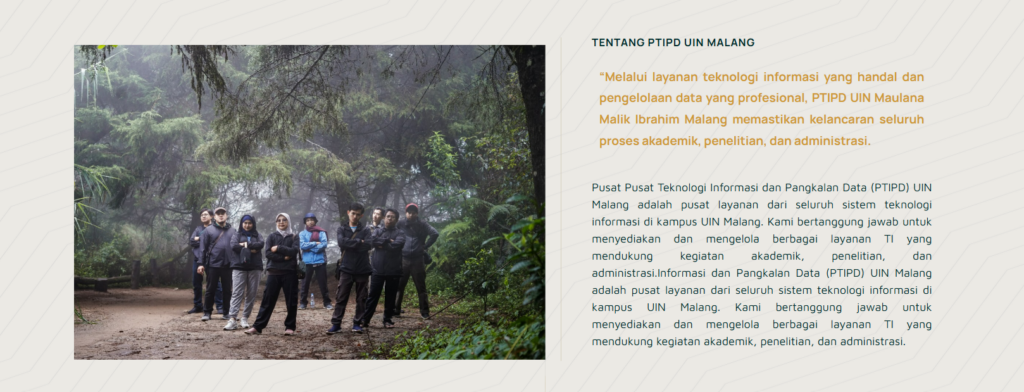
The following guide is for those of you who want to create website content with two sides containing images and text (as shown in the image above). Select "flexbox," which has two containers. 2. Image Display 2 containers. After that, select the elements you need. For example, if you want to insert an image and text, drag the elements into the box […]
Loop Post Guide
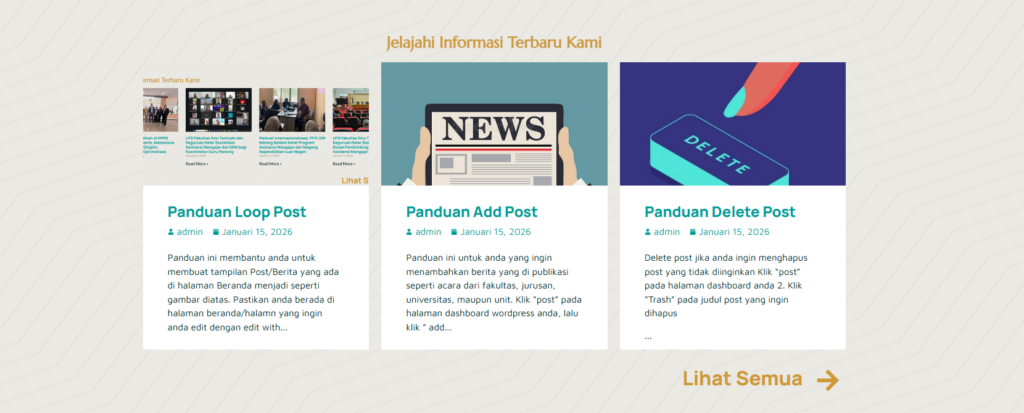
This guide will help you create a post/news display on your homepage similar to the image above. Make sure you're on the homepage or the page you want to edit with Elementor. Then, click the plus sign '+', then search for and click "Loop Grid." 3. Edit Loop Grid View: In the "Layout" menu, search for and click "Loop News [...]
Add Post Guide

This guide is for those of you who want to add published news, such as events from your faculty, department, university, or unit. Click "Post" on your WordPress dashboard, then click "Add Post." 2. On the Add Post page, type the title of the news item you want to add. Type the content directly below the title. Click "Set Featured Image" to […]
Delete Post Guide

Delete post if you want to delete an unwanted post. Click “post” on your dashboard page. 2. Click “Trash” on the title of the post you want to delete.
Add Menu Guide
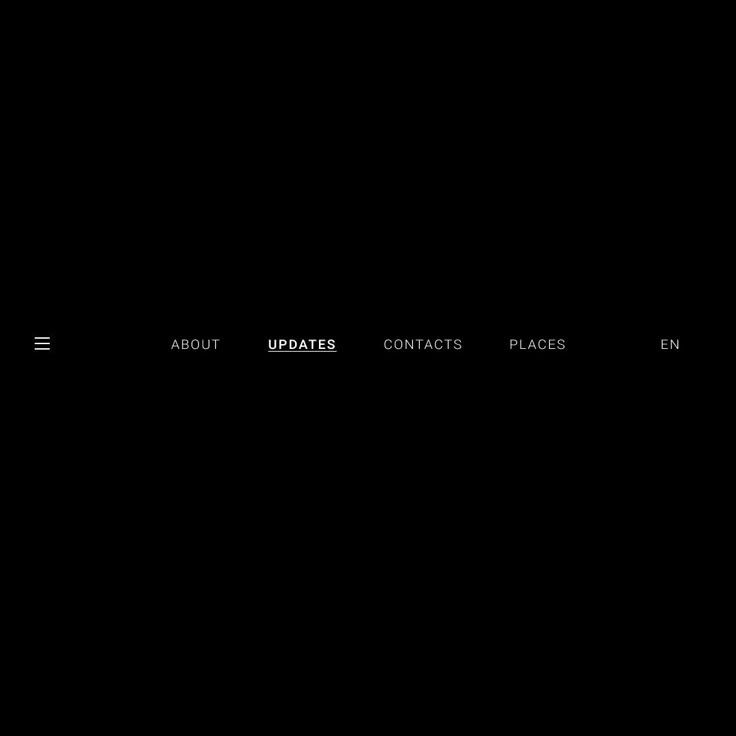
Click “Appearance” then click “Menu” 2. Add menu display Make sure you are editing in “Main Menu” or “Main Menu Duplicate” then click “select” Check the page you want to add to the menu, for example “organizational structure”, then click “add to menu” After that the menu will automatically be added under the news menu (as in the picture) If you want to change […]
Add Page Guide

Pages are used for permanent content such as Profiles, Vision and Mission, Organizational Structure, and Contacts. To create a new page, click Pages → Add Page. 2. Enter a page title, then click the Edit with Elementor button to start customizing its appearance. 3. Add content. Click the plus sign '+' to add grids/containers as desired. […]
Webhosting and Subdomain Application Guide

This service is intended for work units, institutions, faculties, and departments within UIN Maulana Malik Ibrahim Malang that require an official subdomain address (e.g., namaunit.uin-malang.ac.id) and web hosting. Here are the application steps: 1. Filling out the Online Form The first step is to complete the data using the provided digital form. Ensure the data entered […]
Benchmarking Visit for Infrastructure Optimization and Network Architecture at UIN Sunan Ampel Surabaya Campus

UIN Sunan Ampel Surabaya Conducts Benchmarking Visit to UIN Maulana Malik Ibrahim Malang: Discusses Infrastructure Optimization and Campus Network Architecture Malang, October 16, 2025 — The Information Technology Team of the State Islamic University (UIN) Sunan Ampel Surabaya conducted a benchmarking visit to UIN Maulana Malik Ibrahim Malang in the context of a comparative study and technical discussion related to network infrastructure optimization, architecture […]


