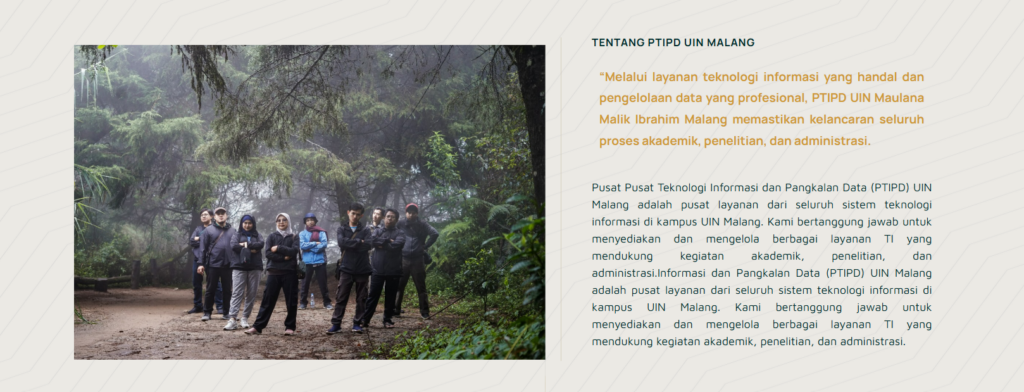
The following guide is for those of you who want to create website content with 2 sides containing images and text (as in the image above). Select "flexbox" which has 2 containers 2. Image Display 2 containers After that, select the elements you need. For example, if you want to insert images and text, then drag the elements
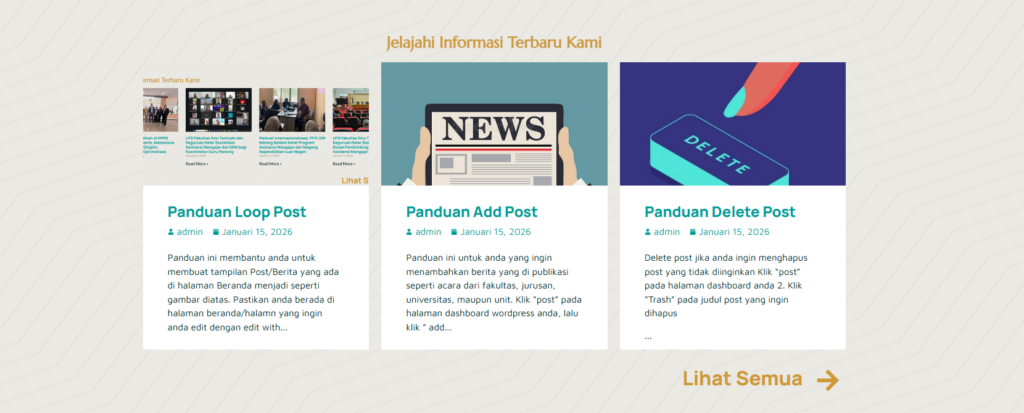
This guide will help you create a post/news display on your homepage similar to the image above. Make sure you're on the homepage or the page you want to edit with Elementor. Then, click the plus sign '+', search for and click "Loop Grid." 3. Edit Loop Grid Display In the "Layout" menu,
This guide is for those of you who want to add published news, such as events from faculties, departments, universities, or units. Click "Post" on your WordPress dashboard, then click "Add Post." 2. On the Add Post page, type the title of the news item you want to add. Type the content directly below the title.
Click “Appearance” then click “Menu” 2. Add menu display Make sure you are editing in “Main Menu” or “Main Menu Duplicate” then click “select” Check the page you want to add to the menu, for example “organizational structure”, then click “add to menu” After that the menu will automatically be added under the news menu (like
Pages are used for permanent content such as Profiles, Vision and Mission, Organizational Structure, and Contacts. To create a new page, click Pages → Add Page. 2. Enter a page title, then click the Edit with Elementor button to start customizing its appearance. 3. Add content. Click the plus sign '+' to add a grid/container as needed.
This service is intended for work units / institutions / faculties / departments within the UIN Maulana Malik Ibrahim Malang environment that require an official subdomain address (e.g.: namaunit.uin-malang.ac.id) and web storage facilities (hosting). The following are the steps for the application procedure: 1. Filling in the Online Form The first step is to complete the data via the digital form that has been provided.
Welcome to the Short Link feature! This feature allows you to create a clean short link (e.g.: link.uin-malang.ac.id/prestasi) to replace your long link. 1. Access the Link Generator Feature You will see a simplified main menu on the left side of your dashboard. 2. Create a New Short Link Use this form to change your link.
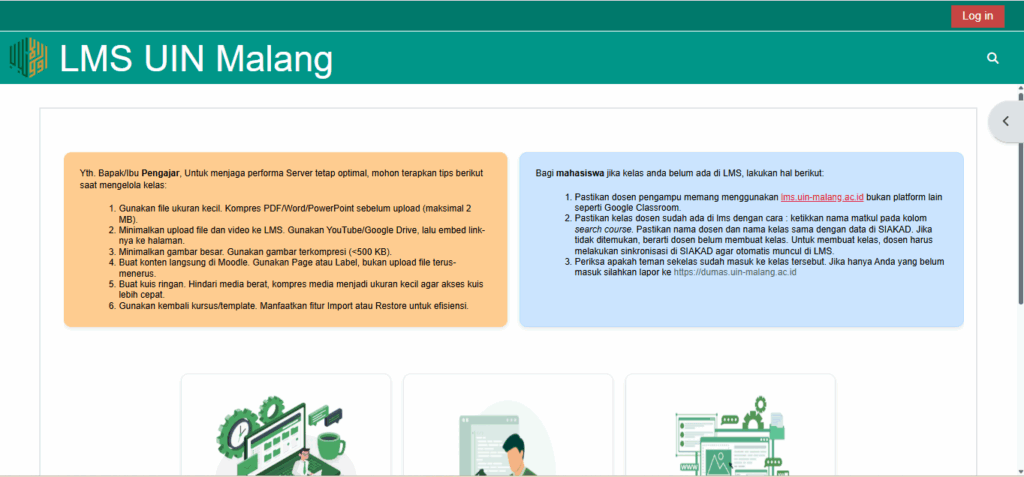
For lecturers who experience incomplete or unjoined students on the LMS (lms.uin-malang.ac.id), here are the steps to perform manual synchronization via SIAKAD so that students can join the class and access lecture materials smoothly: Login to the SIAKAD System Log in to the UIN Malang SIAKAD portal using your lecturer account. Click the E-Learning Class Menu Search
1. Open a browser and access the following address: 👉 https://vpn.uin-malang.ac.id:10443 2. If a security warning appears, click “Continue” then select “Continue to vpn.uin-malang.ac.id (not secure)”. 3. On the login page, enter the username and password provided by the admin. then click the Login button. 4. After successfully logging in, you will see the VPN main page
 EN
EN  ID
ID  AR
AR  ZH
ZH